Timelane

A unified view of Apple Calendar and Reminders.

Timelane

See the shape of your day.

Calendar events and reminders belong together. Timelane brings both into one clear daily view.

iPhoneiPadMacApple WatchOne-time purchase

Download on the App Store

Timelane app icon

One clear timeline

Your day, assembled.

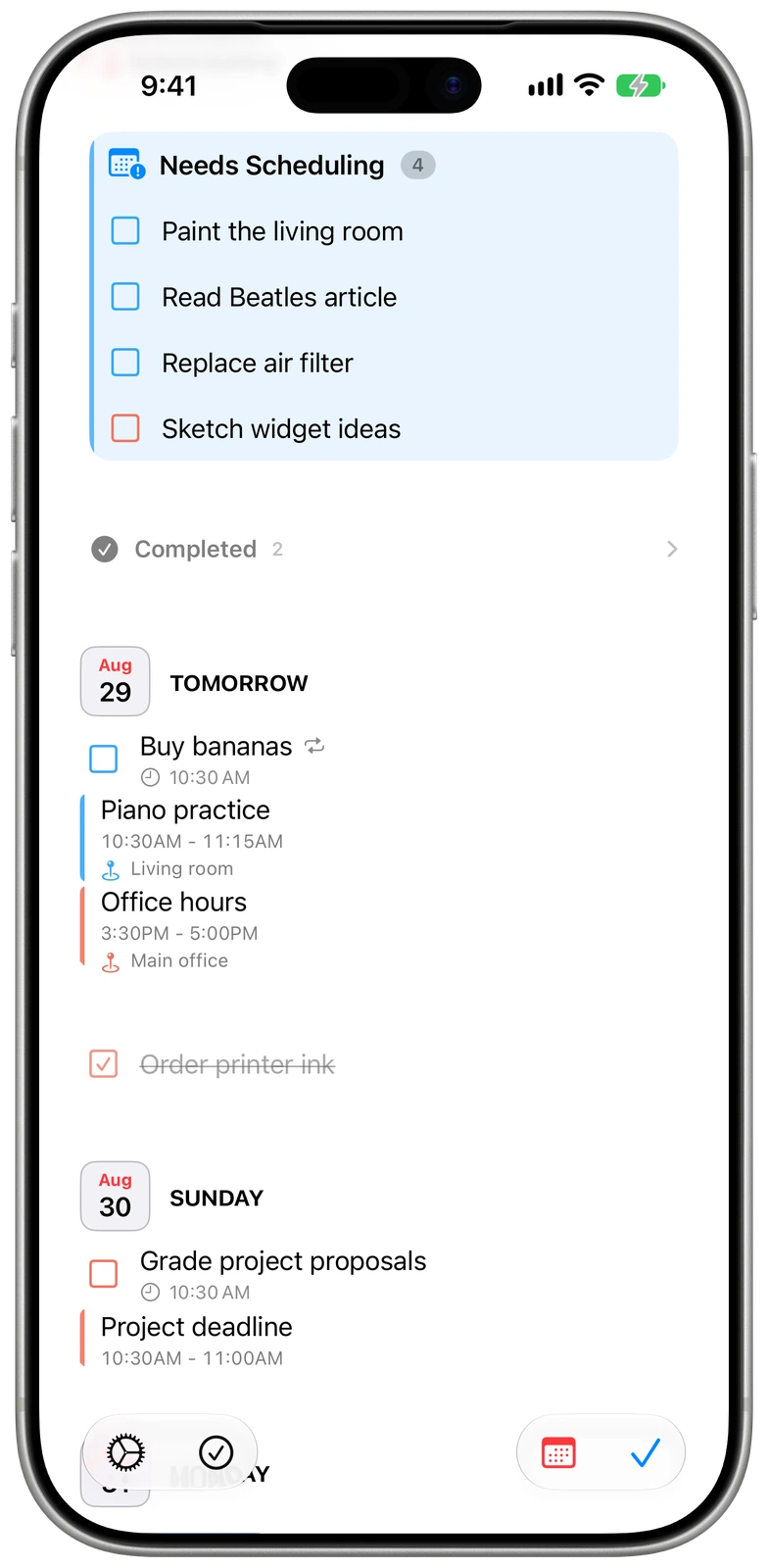
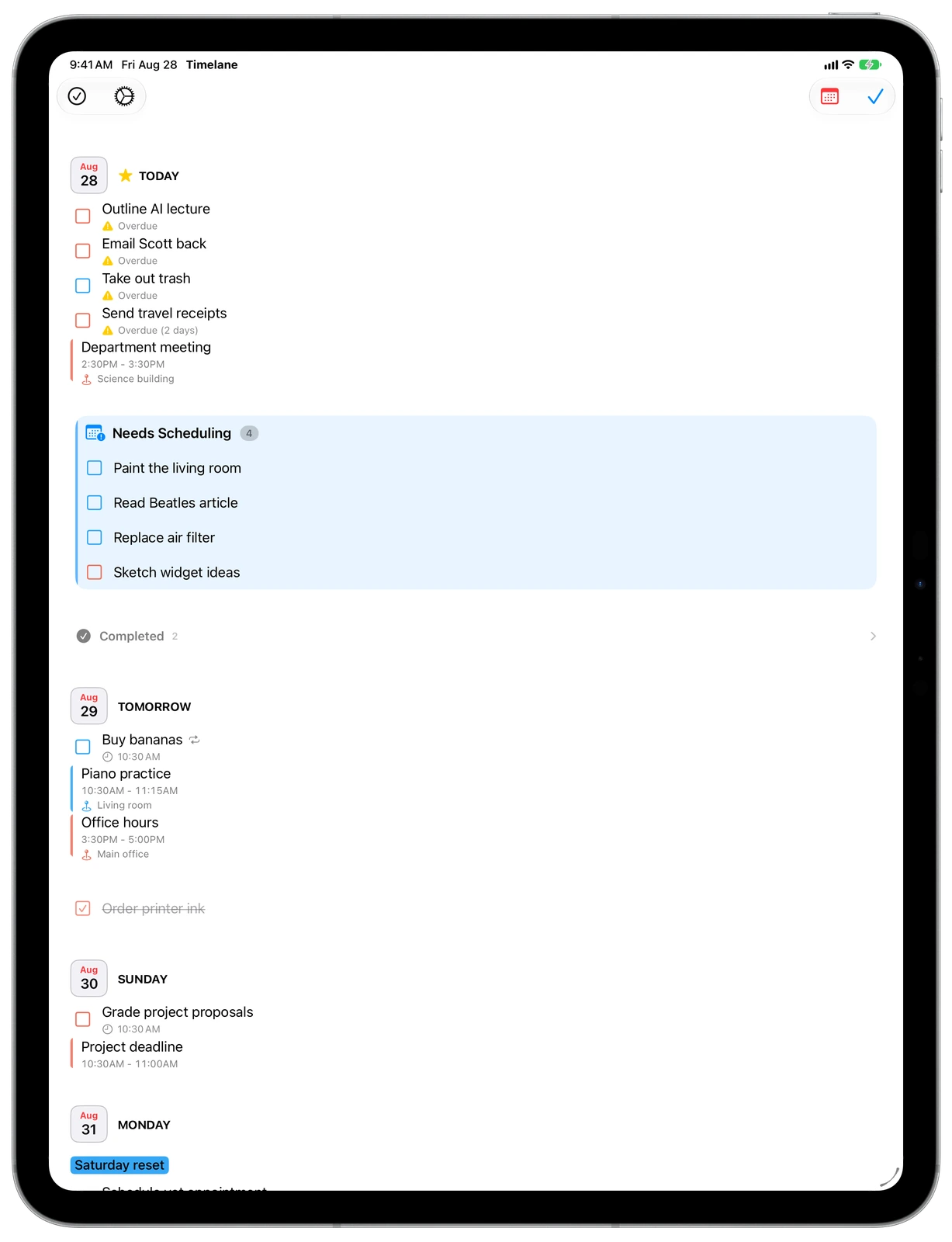
Events and reminders appear together in chronological order, with overdue work, what remains today, and what comes next in one continuous view.

Timelane overview on iPhone

Timelane overview on iPad

Needs Scheduling

Give undated tasks a place.

Reminders without a date stay visible in a dedicated section until you decide when they belong. Nothing disappears just because it has not reached the calendar yet.

Needs Scheduling in Timelane on iPhone

Needs Scheduling in Timelane on iPad

Deadlines

See the date getting closer.

Mark an important reminder as a deadline and Timelane keeps its countdown visible each day until the work is complete.

Deadline countdowns in Timelane on iPhone

Deadline countdowns in Timelane on iPad

Completed

Keep a useful record.

The Completed view makes finished reminders and past events easy to revisit. Dark appearance is supported throughout the app.

Completed items in Timelane in dark appearance on iPhone

Completed items in Timelane in dark appearance on iPad

Room to see the whole day

A wider view of what is ahead.

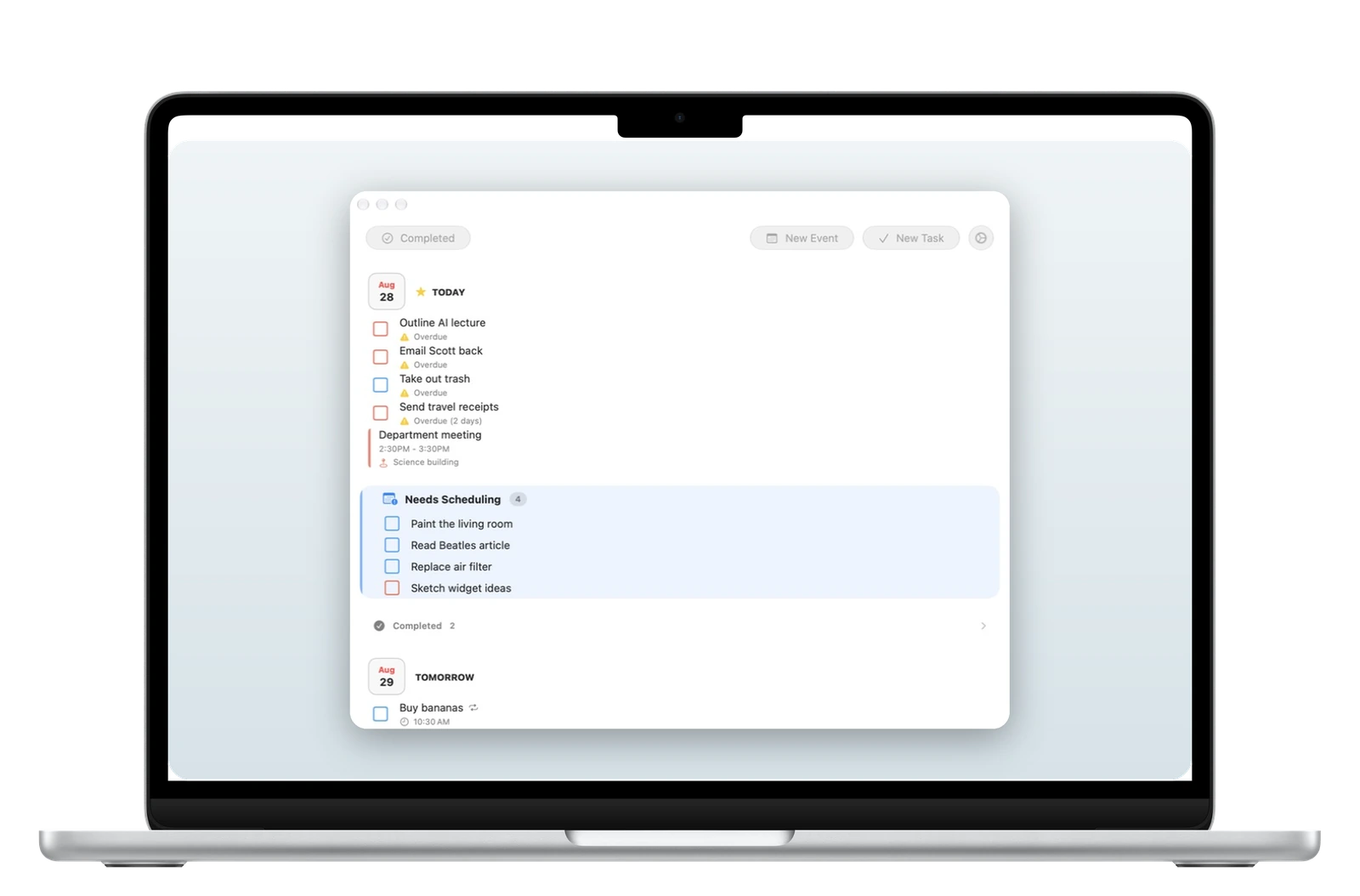
On Mac, Timelane gives the timeline room to breathe while keeping the same focused structure you use on iPhone and iPad.

Your day at a glance

Check in without reaching for your phone.

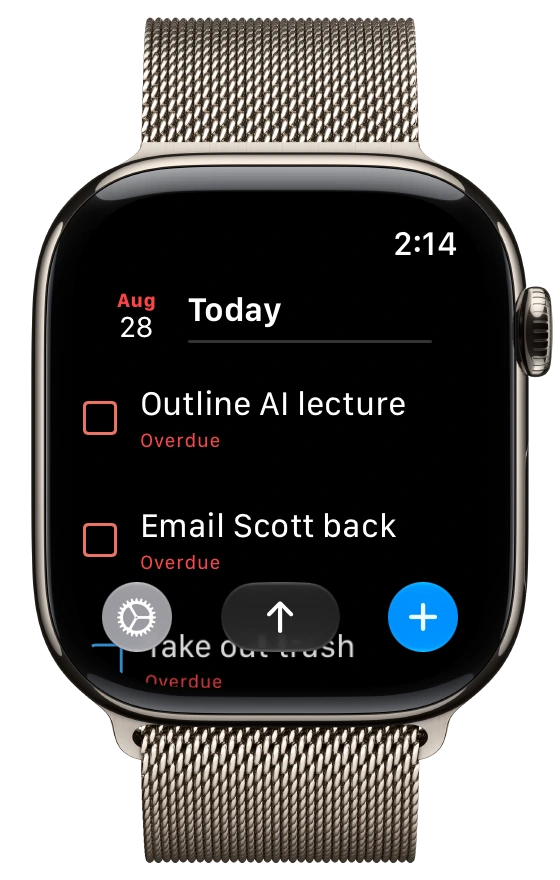
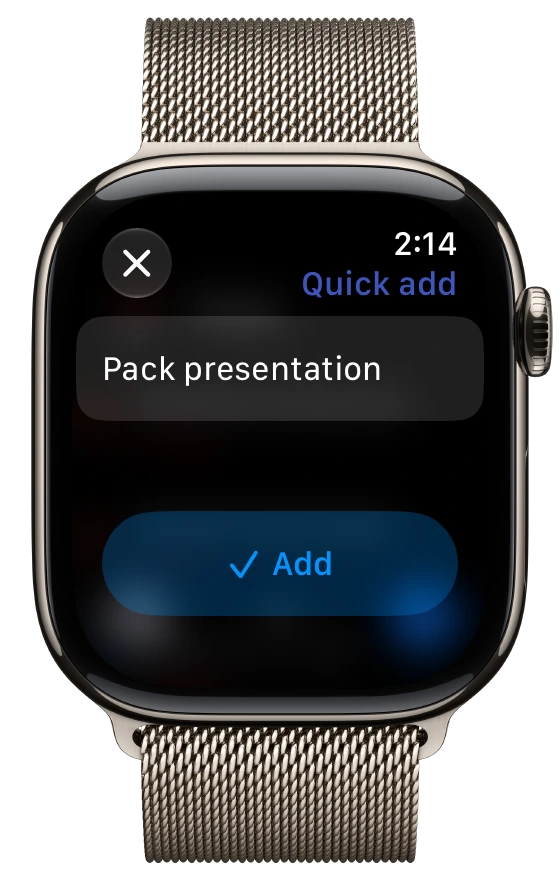
Timelane for Apple Watch keeps the next part of your day close and makes it easy to add a task while it is on your mind.

Useful before you open the app

The day stays within reach.

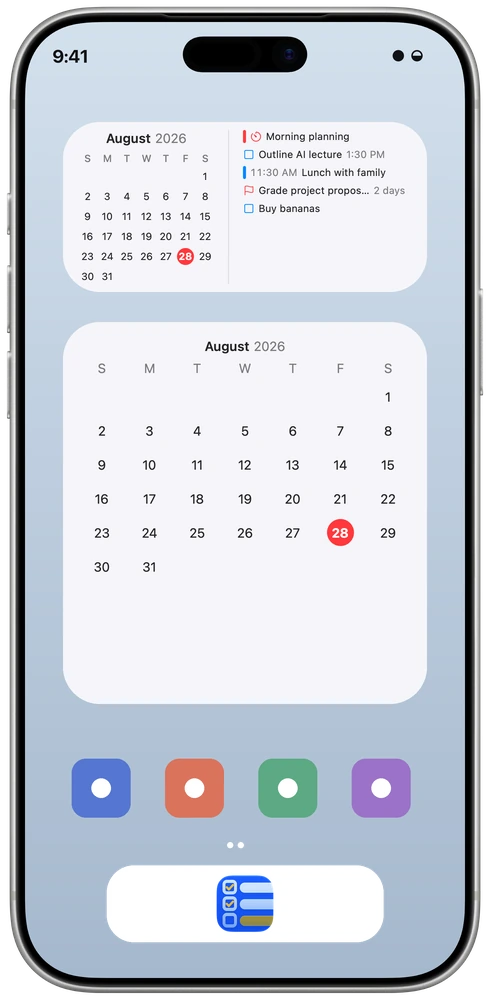
Widgets keep the timeline and calendar visible on your Home Screen. Apple Watch complications surface what is next and how much remains.

Your day on the Home Screen

Choose a compact summary, a wider timeline, or a full calendar in light or dark appearance.

iPhone Home Screen

Timelane timeline and calendar widgets arranged on an iPhone Home Screen

The next thing, on your wrist

See the current item, the remaining count, or an up-next summary directly on the watch face.

Apple Watch face options

Timelane Up Next rectangular complication on Apple Watch Up Next

Timelane Remaining circular complication on Apple Watch Remaining

The essentials, in the right order.

Timelane adds a focused view over the Calendar and Reminders information you already keep. It helps you decide what needs attention without replacing Apple’s apps.

One chronological view

See overdue work, today’s events and reminders, and the days ahead without mentally combining separate lists.

A home for undated work

Needs Scheduling keeps reminders without dates visible until you are ready to place them on the timeline.

Deadline countdowns

Turn an important reminder into a deadline and see how many days remain until it is due.

Completed history

Review completed reminders and past events in a dedicated log instead of losing sight of finished work.

Control what appears

Choose the calendars and reminder lists Timelane shows. Notifications can also be enabled or disabled for each source.

Widgets at a glance

Home Screen widgets show what remains today, while calendar widgets provide a simple view of the month.

Across your devices

The same day, wherever you check it.

Timelane is available for iPhone, iPad, Mac, and Apple Watch. Widgets and Apple Watch complications keep the next item—or the number remaining—visible without opening the app.

iPhone iPad Mac Apple Watch

Your data stays in Apple’s apps

Timelane does not maintain its own calendar database. Your information stays in Calendar, Reminders, and iCloud—even if you delete Timelane.

Bring your day into one view.

Timelane is available as a one-time purchase on the App Store.

Download on the App Store

Apple, Apple Watch, iPad, iPhone, Mac, and App Store are trademarks of Apple Inc., registered in the U.S. and other countries and regions.